Pixel and server setup: a practical guide to the Conversions API without duplicates
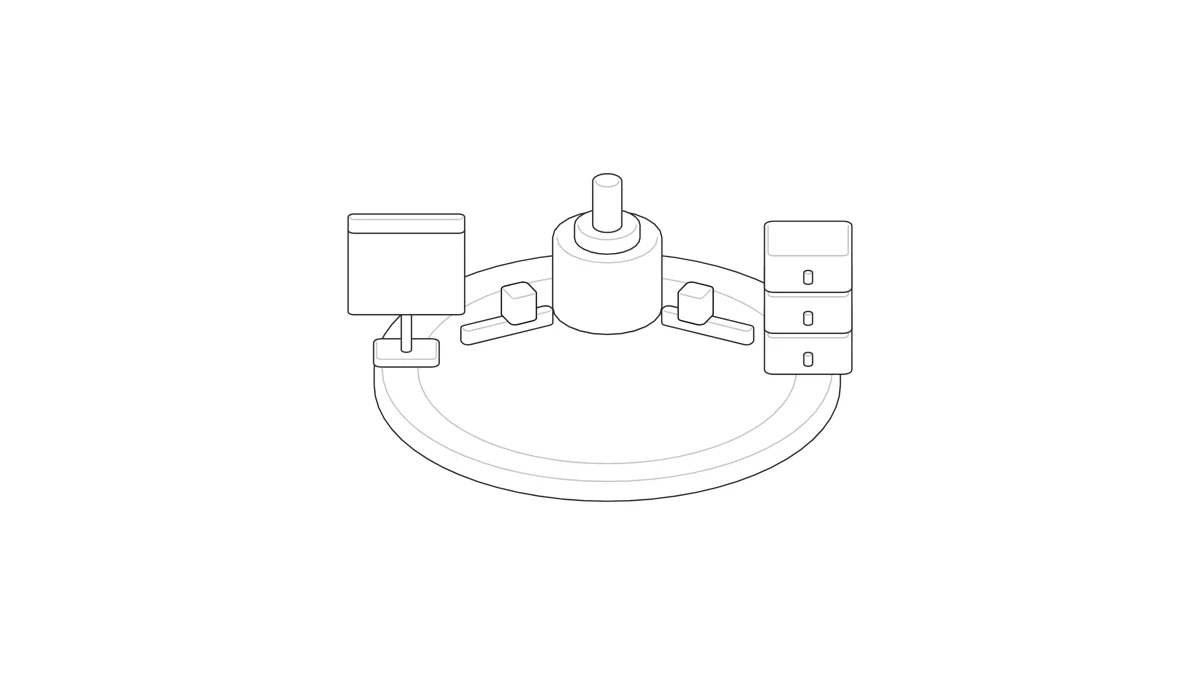
In short: Connecting your pixel and server means every key event, such as a purchase, reaches the ad platform two ways: from the pixel in the shopper's browser, and from your server through a Conversions API. To stop the order counting twice, send the same event_id and the same event name from both. To help the platform match the buyer, send match keys with the server event: email and phone hashed with SHA-256, plus click IDs, cookies, IP address and user agent unhashed. Then test in each platform's events tool before you trust the numbers.
In our article on server-side tracking we covered why ad data goes missing in the browser and why the server became a core part of measurement. This article is the hands-on part: how to set up the pixel and server together on Meta, Snapchat, TikTok and Google, so they run side by side without double counting and without losing customer matching.
It is written for store owners and marketers in Saudi Arabia who already have a pixel running and have heard from an agency or a platform that they need a Conversions API. You don't need to be a developer to follow it, but some steps will need a developer or a ready-made app from your store platform.
How does the hybrid setup work?
In a hybrid setup you don't remove the pixel. You keep it on the site and add a second path from the server. The pixel captures what the shopper does on the page, and the server sends confirmed events, such as purchases, from the store system itself. If the pixel is blocked or the shopper closes the page too soon, the event still arrives from the server.
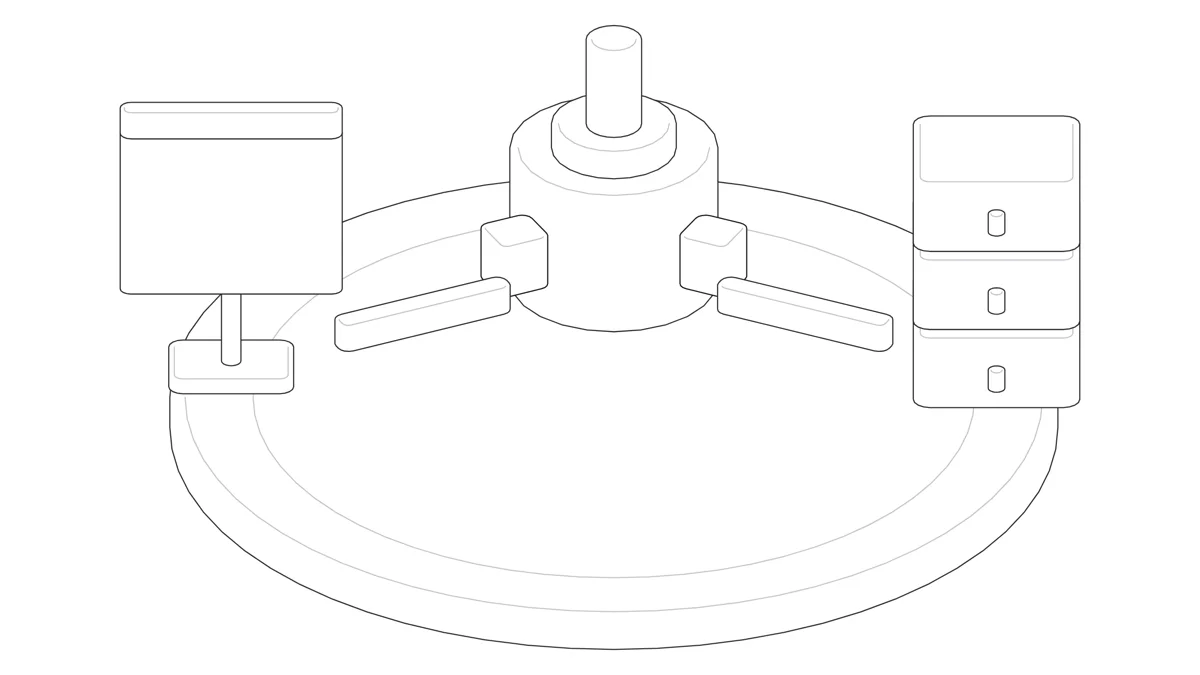
The path, in order:
- The shopper completes the order, and the thank-you page fires the purchase event from the pixel with an event ID.
- The store system records the order and sends the same purchase event from the server to the Conversions API with the same ID, plus the match data.
- The platform receives both copies, compares the ID and the event name, and counts the order once.
The result: you gain the server's coverage without losing the browser's signals, and without doubling your numbers.
Deduplication: the event_id
Deduplication is the platform recognising that the event it got from the pixel and the one it got from the server are a single event. The key is one event ID, generated once and sent from both paths.
Meta's rule
According to Meta's documentation, the two are treated as the same event when the pixel's eventID matches the Conversions API's event_id and the event name also matches, such as Purchase on both sides. Matching applies when the two arrive within 48 hours of each other, and Meta generally prefers the event it receives first. There is an alternative based on fbp or external_id, but the event ID is the clearest method.
Where does the ID come from?
- For purchases: the order number is a practical choice, because it exists on the thank-you page and in the store system, and never repeats between two orders.
- For pre-purchase events such as add to cart: generate a random ID in the browser at the moment of the event, send it with the pixel, and pass it to the server in the same request so the server sends it too.
- Don't generate a separate ID on each side. If the pixel creates one number and the server creates another, the platform sees two events.
Match keys: what to send and what to hash
A server event doesn't carry the browser's cookies automatically, so you have to send the data that helps the platform link the event to the person who saw the ad. The more complete and accurate that data, the higher your event match quality, and the clearer the data the algorithm learns from.
The general rule on Meta and Snapchat: personal data is hashed, technical identifiers are sent as they are.
| Key | Hash with SHA-256? | Where it comes from |
|---|---|---|
| Yes, after lowercasing and trimming spaces | Order or account data | |
| Phone number | Yes, digits only, with the country code (966 for Saudi Arabia) | Order data |
| IP address | No | The shopper's request to your server |
| User agent | No | The shopper's request to your server |
fbp and fbc (Meta) | No | The _fbp and _fbc browser cookies |
sc_click_id (Snapchat) | No | The ScCid parameter in the ad URL |
sc_cookie1 (Snapchat) | No | The _scid browser cookie |
An example of preparing a phone number before hashing: 05xxxxxxxx becomes 9665xxxxxxxx, with no plus sign, spaces or dashes. If a field is empty, don't fill it with a placeholder; leave it out.
TikTok also asks for email and phone hashed with SHA-256 in advanced matching. Google hashes customer data with the same algorithm in enhanced conversions.
Pixel and server setup on the four platforms
Each platform names its tool differently and uses a different field for deduplication. This table puts them in one place:
| Platform | In the browser | From the server | Deduplication | Testing |
|---|---|---|---|---|
| Meta | Meta Pixel | Conversions API | eventID = event_id + same event name, within 48 hours | Test Events in Events Manager, and event match quality |
| Snapchat | Snap Pixel | Conversions API | client_dedup_id = event_id within 48 hours; for purchases transaction_id = order_id up to 30 days | Deduplication diagnostics in Events Manager |
| TikTok | TikTok Pixel | Events API | event_id on both sides + same event, within 48 hours | TikTok Events Manager |
| Google tag | Enhanced conversions, with server-side GTM as an option | Transaction ID | Conversion diagnostics in Google Ads |
Meta: Pixel with the Conversions API
- Fire
Purchasefrom the pixel with aneventID, and send the same event from the server with anevent_idof the same value. - With the server event, send email and phone hashed, and
client_ip_address,client_user_agent,fbpandfbcunhashed. - Send
valueandcurrencywith the same values on both sides, such asSAR. - If you run Advantage+ campaigns, the quality of these signals directly shapes what the campaign learns.
Snapchat: Snap Pixel with the Conversions API
Snapchat has two deduplication methods, and many setups miss the second:
- The general method: the pixel's
client_dedup_idmatches the Conversions API'sevent_id, within 48 hours. - For purchases only: the pixel's
transaction_idmatchesorder_idinsidecustom_datain the Conversions API, and works for up to 30 days. - Fixed placeholder values don't work for deduplication, so never send a constant string or a test value in place of the real ID.
valueis required forPURCHASE. Passsc_click_idfrom theScCidURL parameter, andsc_cookie1from the_scidcookie.
TikTok: TikTok Pixel with the Events API
- TikTok requires an
event_idin both the pixel and the Events API, and the same event name on both sides. - If the same event repeats from the same channel within 48 hours, TikTok keeps the first. If it arrives from both the pixel and the Events API, TikTok treats them as one event within the same window, and its documentation explains how it chooses between them based on when each arrives.
- Turn on advanced matching, and send email and phone hashed with SHA-256.
Google: Google tag with enhanced conversions
Google works a little differently. There is no "pixel plus API" pair sharing an event ID as on the other platforms, but two tools serve the same goal:
- Transaction ID: if you send the order number as the Transaction ID with the purchase conversion, Google Ads won't count a second conversion with the same ID. Its documentation notes that this doesn't resolve duplicates in view-through conversions.
- Enhanced conversions: send customer data such as email, hashed with SHA-256, with the conversion to improve matching. You can turn it on from the Google tag or from Google Tag Manager.
- Server-side GTM: an extra option where you run a Tag Manager container on a server in your own Google Cloud project or another environment, and route events to the platforms from there. It helps if you want to control the data from one place, but it needs setup and maintenance.
Testing and reading match quality
You test the pixel and server setup with a real test order, then confirm in each platform's events tool that the event arrived from both the browser and the server and counted once. The steps:
- Place a full test order from your phone and from a desktop browser.
- On Meta, open Test Events in Events Manager and check that the purchase arrived from both the browser and the server, and showed as one event after deduplication.
- On Snapchat, review the deduplication diagnostics in Events Manager.
- On TikTok, review the event in Events Manager and confirm the
event_idarrives from both sides. - In Google Ads, check the conversion status and the enhanced conversions diagnostics.
- Compare the value and currency on each platform with the order value in your store dashboard.
On Meta, the Event Match Quality score shows for each event how well the platform can match it to account holders. If the score is low, start by checking that hashed email and phone, fbc and fbp reach your server events. Once measurement is right, you can read your return on ad spend knowing the numbers aren't doubled.
Consent and privacy
Connecting the pixel and server doesn't give you the right to send customer data without consent. The consent rules you apply to the pixel apply to server events too: if a shopper declines advertising cookies, don't send their personal data from the server. On Google, tie the setup to Consent Mode, and state clearly in your privacy policy what you send and to whom.
Salla, Zid and WooCommerce: what comes built in?
Before you build anything from scratch, check what your store platform offers:
- Salla: the Salla Help Center explains connecting the Facebook Conversion API through an app, where you enter the Pixel ID and an Access Token. It also explains the Snap Business Extension, which connects the Snap Pixel, the catalog and the Conversions API in one step.
- Zid: we found no official Zid documentation on connecting a Conversions API. Check the Zid app store and ask the developer of the app you use: does it send server events, and does it send the same
event_idas the pixel? - WooCommerce: the official Meta for WooCommerce plugin covers the pixel and catalog sync. Check its settings to see whether the Conversions API is on, and if you add another tracking plugin, make sure the two don't send the same event twice.
The key question for any ready-made app: does it send the event from both the browser and the server with the same ID? If the answer isn't clear, test it yourself with a test order.
Common mistakes in the pixel and server setup
- No event ID: the pixel and server both send the purchase, and every order counts twice.
- A different ID on each side: each side generates its own number, so the platform can't link them.
- A different event name:
Purchasein the pixel andpurchase_completedon the server, so they don't match. - Wrong value or currency: a value with shipping on one side and without it on the other, or a different currency. Keep one value and
SARon both sides. - Two apps sending the same event: the official store app and custom code at the same time.
- Hashing what shouldn't be hashed: hashing the IP or
fbp, or sending the email unhashed. - A phone number without the country code: weakens matching.
- Trusting the numbers before testing: test after every change to the store or its apps.
Checklist
- The pixel runs on every page, and the purchase event fires on the thank-you page only.
- The purchase event is sent from the server to every platform you advertise on.
- The same
event_idand event name on both sides (andclient_dedup_idortransaction_idon Snapchat). - A Transaction ID with the purchase conversion in Google Ads.
- Email and phone hashed with SHA-256 after normalising, with the phone in 966 format.
- IP, user agent,
fbp,fbc,ScCidand_scidsent unhashed. - Value and currency match the store dashboard.
- Server events respect the shopper's consent choice.
- A test order shows as one event in each platform's test tool.
Frequently asked questions
Should I remove the pixel once I set up the Conversions API?
No. A hybrid setup means keeping the pixel and adding the server. The pixel captures on-page behaviour, the server makes sure key events arrive, and the event ID stops duplicates between them.
What is event_id and why does it matter?
It is a unique ID for each event, sent unchanged from both the pixel and the server. The platform uses it with the event name to know the two copies are one event. Without it, an order can count twice.
Do I have to hash all the data before sending it?
No. Personal data such as email and phone is hashed with SHA-256. The IP address, user agent, and cookie and click identifiers such as fbp and fbc are sent unhashed, according to Meta's and Snapchat's documentation.
Do I need server-side GTM to connect the pixel and server?
Not necessarily. Many stores connect through their store platform's app or directly from the store system. Server-side GTM is an option that gathers events in one container on your server, useful if you want more control and have someone to run it.
How do I know the setup works?
Place a test order, then check each platform's test tool to confirm the event arrived from both the browser and the server, counted once, and that the value and currency match the order in your store.
Conclusion
Connecting the pixel and server is more than installing an API. It is three things together: one event ID that stops duplicates, match keys that are complete and hashed correctly, and a test on every platform before you rely on the numbers. Start with the purchase event, then extend to the events before it. If you want someone to set up measurement and run it alongside your ads, see our digital advertising service.
Sources
- Meta for Developers — Conversions API
- Meta for Developers — Handling Duplicate Pixel and Conversions API Events
- Meta for Developers — Customer Information Parameters
- Meta Business Help Center — About event match quality
- Snap for Developers — Conversions API: Deduplication
- Snap for Developers — Conversions API: Parameters
- TikTok Ads Help — Event deduplication
- TikTok Ads Help — Advanced matching for web
- Google Ads Help — Use a transaction ID to minimize duplicate conversions
- Google Ads Help — About enhanced conversions
- Google for Developers — Introduction to server-side tagging
- Salla Help Center — Connect Facebook Conversion API
- Salla Help Center — Connect Snapchat (Snap Business Extension)
- WordPress.org — Meta for WooCommerce